Product updates

Changelog

New ways to work with Taskaid, from the app and the assistants you already use.

Find and link work

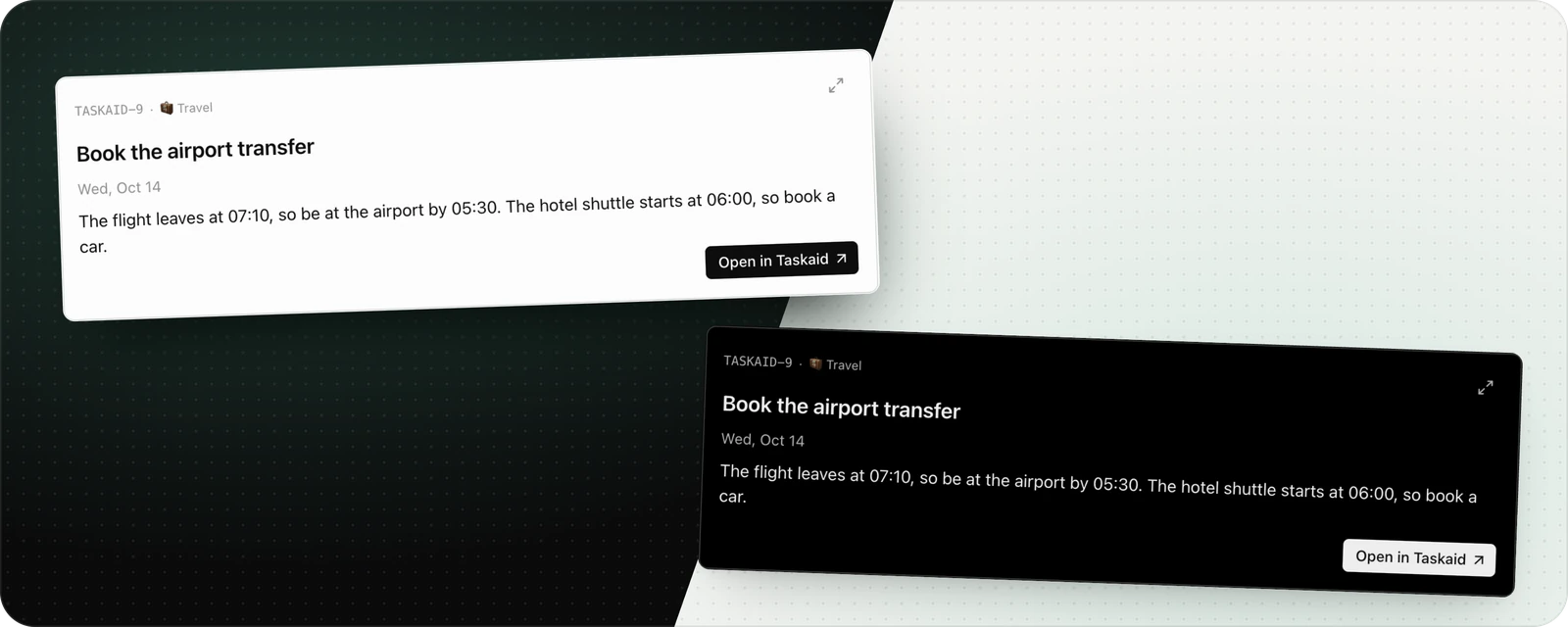
Assistants can find tasks by words or reference, then return stable links to tasks and daily plans.

  • Find a task by words or a reference such as TASKAID-45.
  • Tasks and dated daily plans each have their own stable page in Taskaid.
  • When an assistant reads or updates one, it receives the URL to hand back to you.

Precise note edits

Assistants can change one part of a task note without rewriting the rest.

  • Edit or append only the relevant passage.
  • Unchanged text stays exactly as written.
  • If the note changed underneath, nothing is silently overwritten.

Manage connected apps

Settings now shows every AI client with access to Taskaid and lets you revoke that access immediately.

  • See each connected client, its access level, location, and connection date.
  • Disconnect an app from Taskaid Settings; it loses access immediately.
  • Reconnect later by completing the approval flow again.

Taskaid in ChatGPT

Taskaid is now listed in the ChatGPT Apps directory, bringing your tasks, lists, and daily plan into the conversation.

  • Add and update tasks without leaving ChatGPT.
  • Review what is on your plate, organize lists, and work on your daily plan in the same conversation.
  • Connect your Taskaid account over OAuth and review the access you grant before approving it.

Open Taskaid in ChatGPT