OpenCode can read and update your tasks while it works in your repository. Ask it to pick up a task by its reference and carry on from the note, park a follow-up it noticed as a task with a day on it, and close the task when the change is merged.
One command, then a sign-in.
Connect
-
Add the server. On OpenCode 2:
opencode mcp add taskaid --global --url https://taskaid.ai/mcpOn OpenCode 1, from version 1.17, leave
--globalout:opencode mcp add taskaid --url https://taskaid.ai/mcpEither way the server is available in every project, since your tasks aren't tied to a repository.
opencode --versionshows which one you have. -
Sign in:
opencode mcp auth taskaidYour browser opens Taskaid's sign-in; approve the access you want to grant.
-
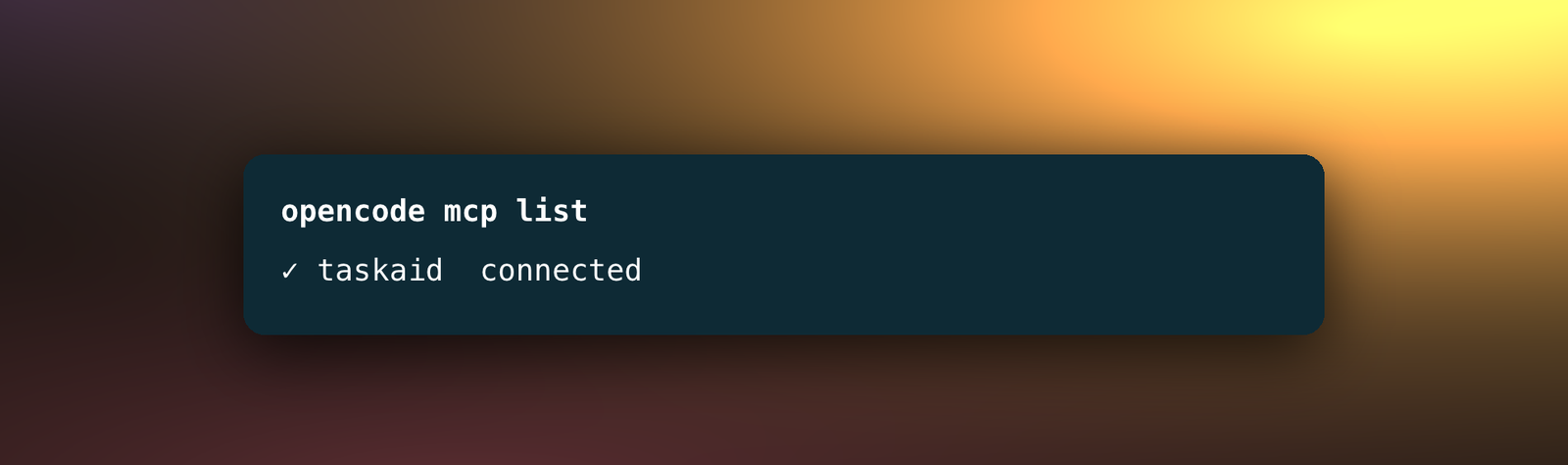
Check it with
opencode mcp list, which shows taskaid as connected.
OpenCode identifies itself to Taskaid when you sign in, so there's no client ID or secret to enter.
Try it
- "Read TASKAID-45 and carry on from its note."
- "Add a task to remove the old config path after this ships, next Friday, in the Backend list."
- "Before you finish, save what we decided and why as a note on TASKAID-45."
- "What's on my plate today?"
A task's note is Markdown, so it's a fair place for OpenCode to leave the reasoning behind a change for the next session, in OpenCode or anywhere else. More starting points on the Assistants page.
What OpenCode can do
By default OpenCode uses a connected server's tools without asking first. To be asked before it uses Taskaid's, add a rule for them in OpenCode's permissions. Taskaid has no delete tool, so OpenCode cannot delete anything even if you ask it to.
Every task it creates records where it came from, under the name OpenCode signs in with. That's opencode, or OpenCode on version 1.
Every action runs as your own account, limited to what you approved, and Taskaid doesn't use your data to train AI models. For the tools themselves see the MCP server reference, and our Privacy Policy and Terms of Service for everything else.
Questions
Can I limit Taskaid to one project?
Yes. On OpenCode 2, run the command in that project and leave --global out, and OpenCode adds the server to that project's configuration only. On OpenCode 1, the one-line command always adds it for every project. Run opencode mcp add on its own inside the project's Git repository instead, choose Current project when it asks for the location, and give it the same name and URL.
Manage or disconnect
opencode mcp logout taskaid signs OpenCode out of Taskaid. To remove the server, delete its entry from the config file that opencode mcp add named when it added it. To revoke access from Taskaid's side, open Settings and disconnect opencode, or OpenCode if you connected from version 1, under Connected apps.
Troubleshooting
opencode mcp list says "No MCP servers configured". OpenCode may still be starting. Wait a few seconds and run it again.
opencode mcp list shows "needs authentication". You aren't signed in. Run opencode mcp auth taskaid and approve.