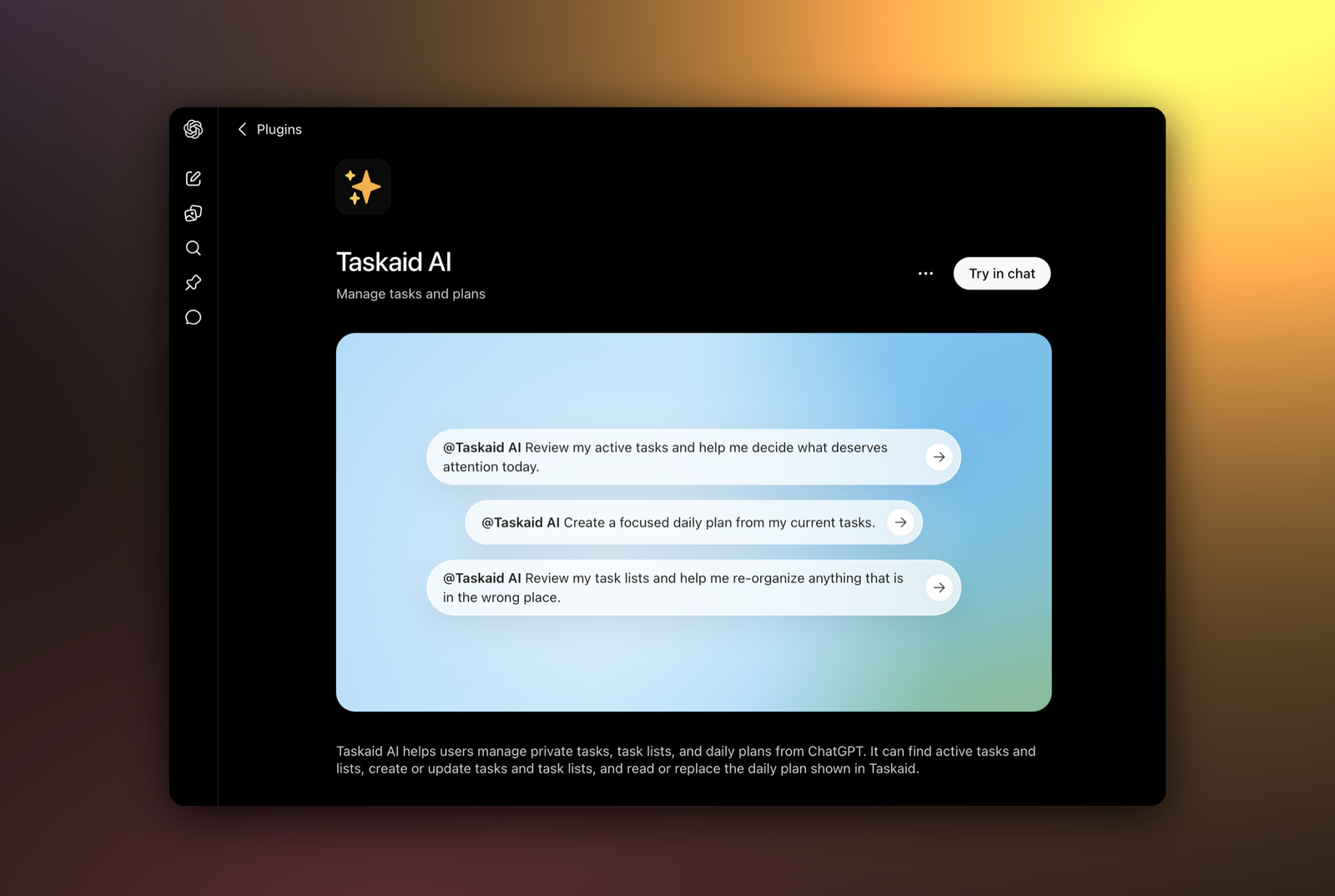
Taskaid is available as a plugin in ChatGPT. Once installed, you can manage your tasks by just asking — no tab switching, no copy-paste. Ask "what's on my plate today?" and ChatGPT pulls it straight from Taskaid; ask it to "add a task to review the Q3 brief tomorrow" and it's saved to your account.
Connect
Plugins are available on every ChatGPT plan, including Free.
- Open the Taskaid listing in the ChatGPT plugin directory — or, inside ChatGPT, select Plugins in the sidebar and search for Taskaid.
- Select Install plugin, then Connect if asked. Your browser opens to sign in and approve the access Taskaid requests.
- That's it — Taskaid is ready in every chat.
Use it
Bring Taskaid into a conversation by typing @Taskaid in your prompt, or choose + and pick Taskaid AI. Then just ask:
- "What's on my plate today? Include my daily plan."
- "Add a task to review the Q3 brief tomorrow morning, and star it as important."
- "Create a Taskaid list called Launch with a rocket emoji."
- "Read my tasks for today, then write me a focused daily plan."
Everything you do through ChatGPT syncs with your Taskaid account, so it shows up on taskaid.ai and anywhere else you use Taskaid.
Reminders
ChatGPT can watch for your Taskaid reminders and act on each one when its time comes. Set it up once, in a new chat switched to Work:
Watch for my Taskaid reminders across all my lists. When one comes in, read the task and send me a short reminder with its next step and a link.
ChatGPT adds a monitor under Scheduled, such as "Taskaid reminders". It covers every reminder, so you don't need a new one for each task. When a reminder comes in, ChatGPT runs it and lets you know. Choose push notifications, email, or both under Tasks in ChatGPT's Settings → Notifications.
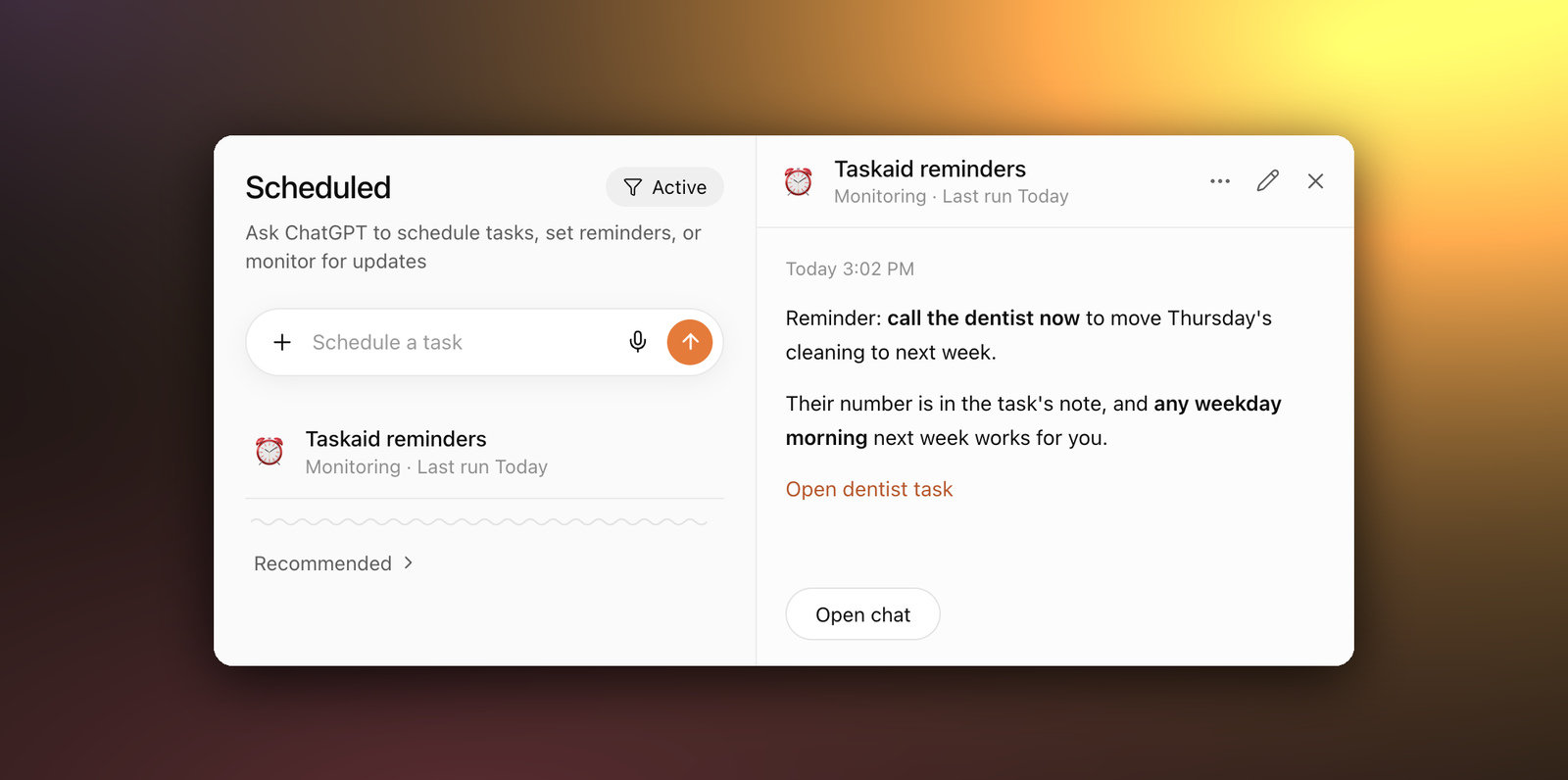
Set it up from Work: in a regular chat, ChatGPT may set up an hourly check instead, which can run up to an hour late.
What it can access
On first use you approve exactly what ChatGPT can do in your Taskaid account. Every action runs as your own account, limited to what you approve. Taskaid can't see your ChatGPT conversations, memory, or uploaded files. It receives only what ChatGPT sends with each request, such as the text of a task you ask it to save, and ChatGPT may draw that from your chat or memory. Taskaid doesn't use this data to train AI models. Once your tasks are in ChatGPT, OpenAI's privacy policy and your ChatGPT settings apply. See our Privacy Policy and Terms of Service for details.
Manage or disconnect
Open Settings → Plugins in ChatGPT, select Taskaid AI, and choose Uninstall. You can install it again any time — it'll prompt you to sign in again.
Troubleshooting
- Asked to sign in again — your access token expired or was revoked; reconnect and approve once more.
- A request fails with a permissions error — reconnect from Settings → Plugins → Taskaid AI so Taskaid can request the access it needs.