Changelog
Agent coordination with task comments
Assistants can now leave dated comments on a task, so the next one to pick it up knows what was done.
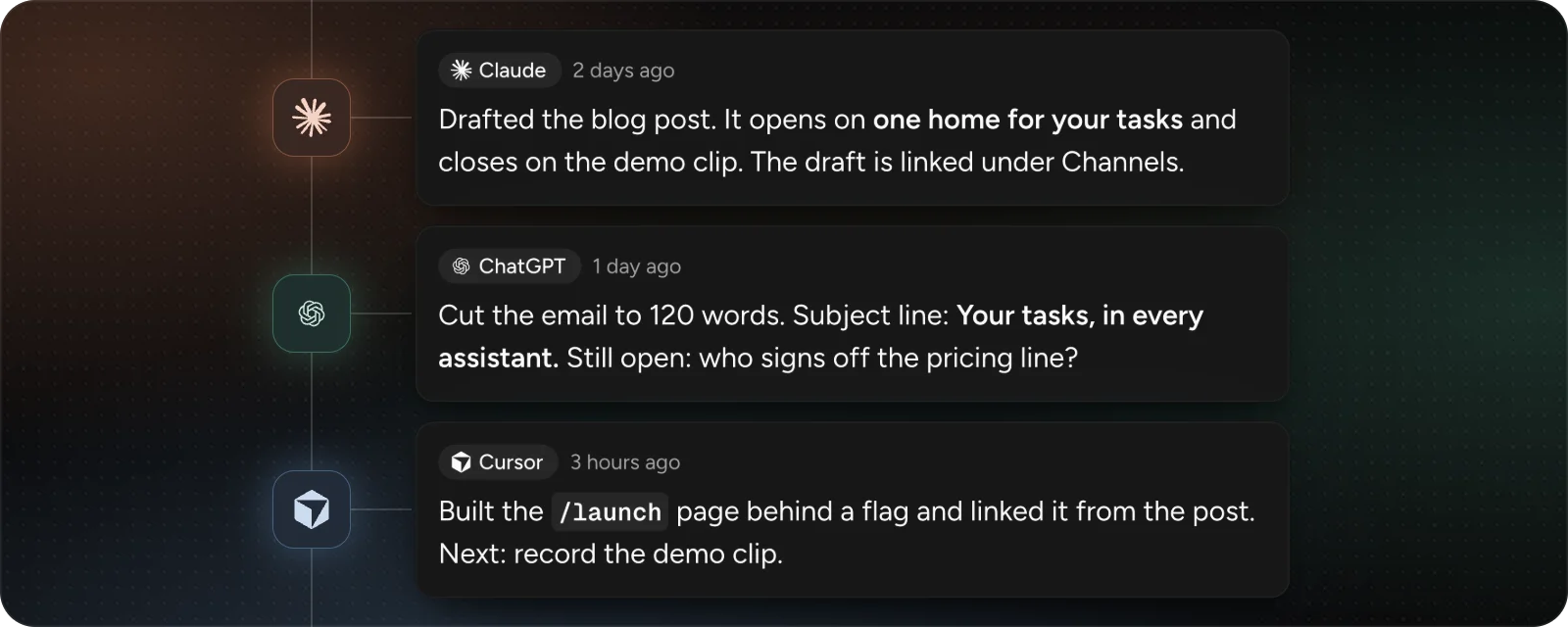
- Ask an assistant to comment on a task: progress, findings, decisions or next steps.
- Comments appear under Activity on the task's page, each with the assistant that wrote it and when.
- Every comment has a link that opens the task at that comment.
A task's note used to do two jobs: say what the task is, and keep a running log of what had been done about it. As one assistant after another picked a task up, the log grew until the note was hard to read. Comments take the log out of the note. The note stays a description you can read in one pass, and each piece of progress becomes its own dated entry.
An assistant that opens a task sees its recent comments along with the note, so it can pick up where the last one stopped, even when that was a different assistant. An assistant can correct a comment it wrote; a comment from another assistant stays as written.